Industrial Edge Device Type Generator (IEDTG)
This tool has been created for users to easily create device type. Before this tool, users were creating .zip files manually. Now users will be able to easily obtain a .zip file by filling in the required fields using this tool and import these .zip files via Industrial Edge Management.
Download, Install and Execute
This tool can be downloaded from the Industrial Edge Hub by following the steps in the picture below.
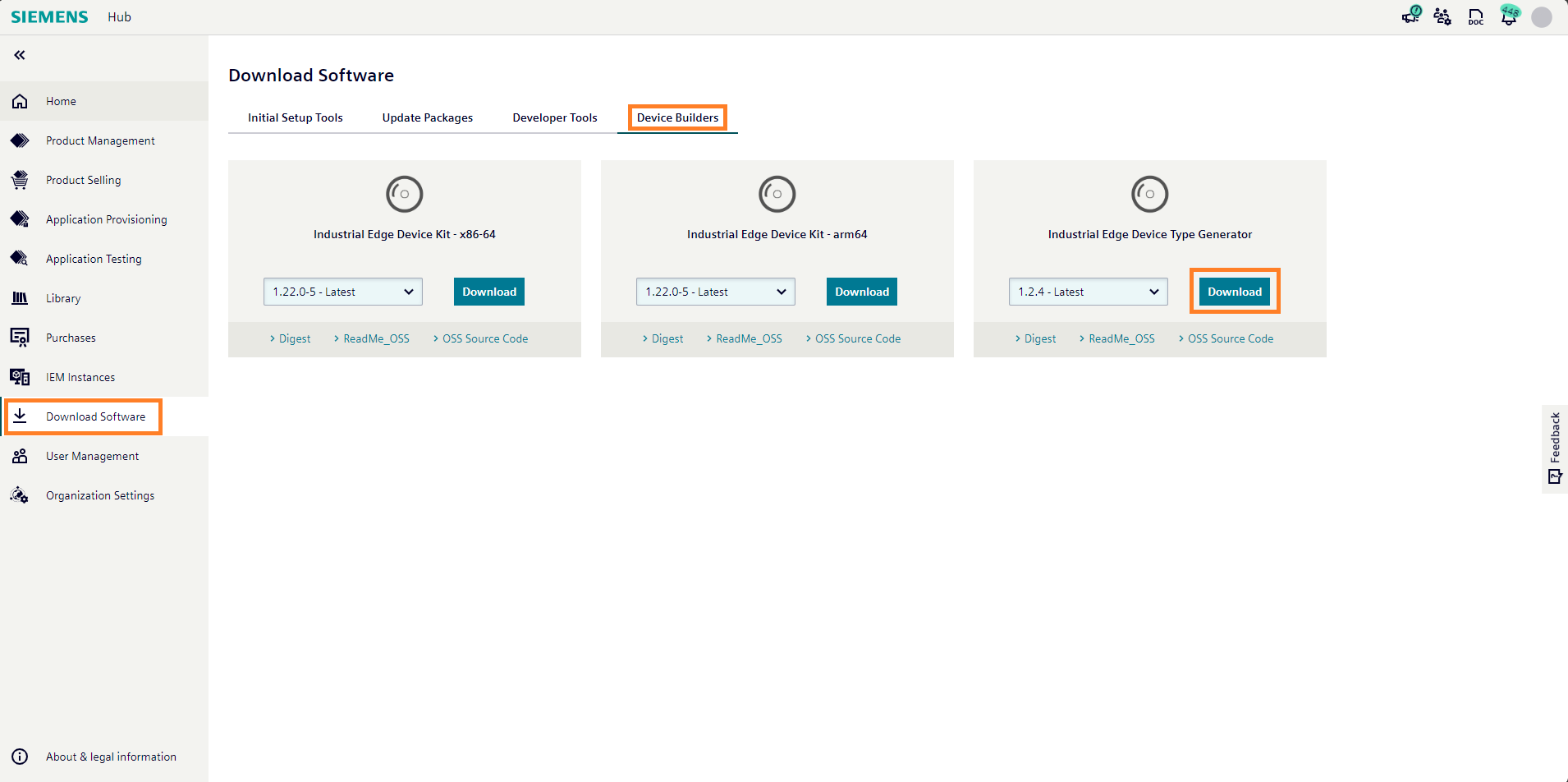
After clicking the download button, a .zip file will be obtained and after this .zip file is extracted, an .exe file will be obtained. After the .exe file is installed, a landing page will be opened like in the below picture.
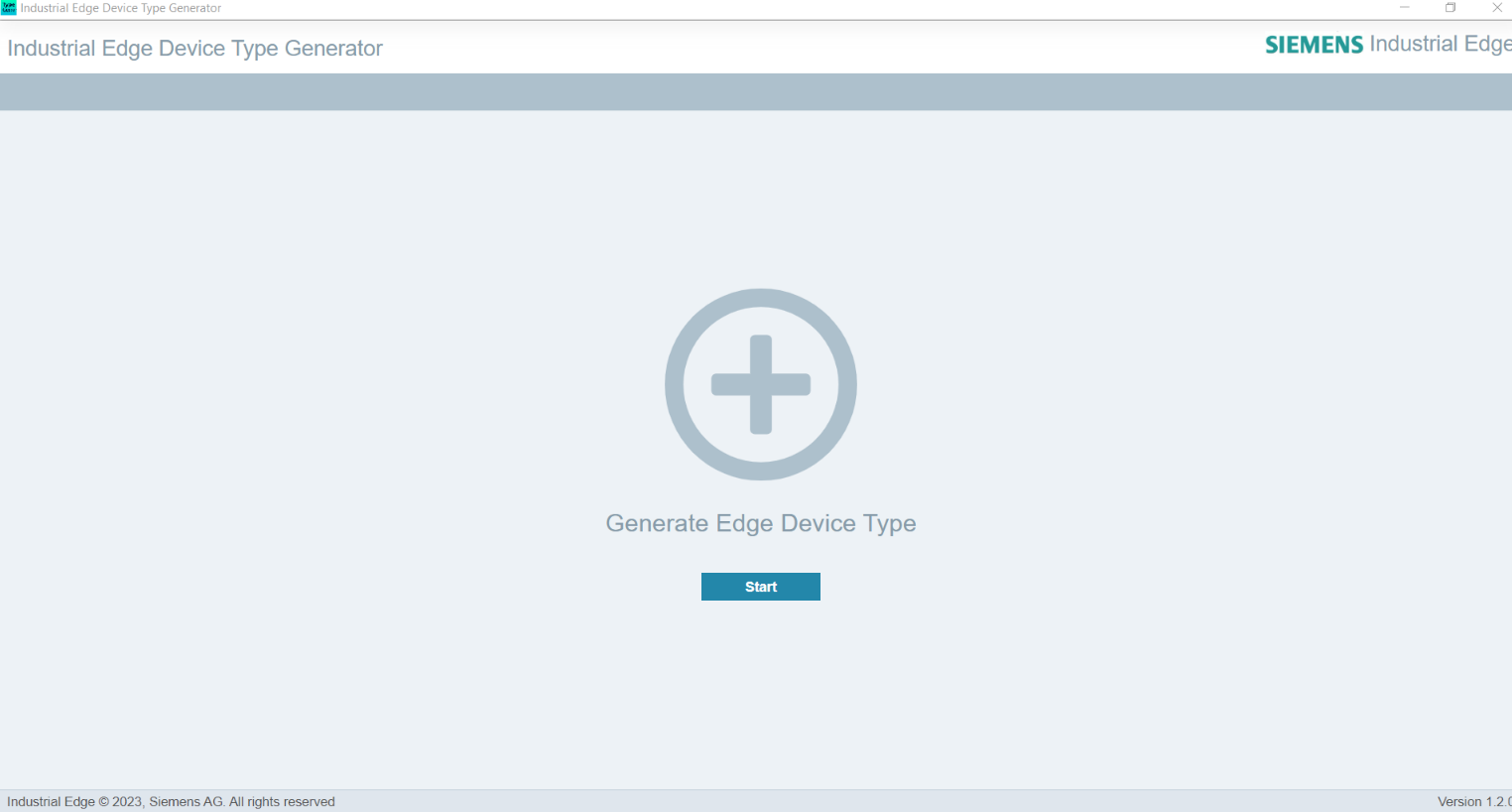
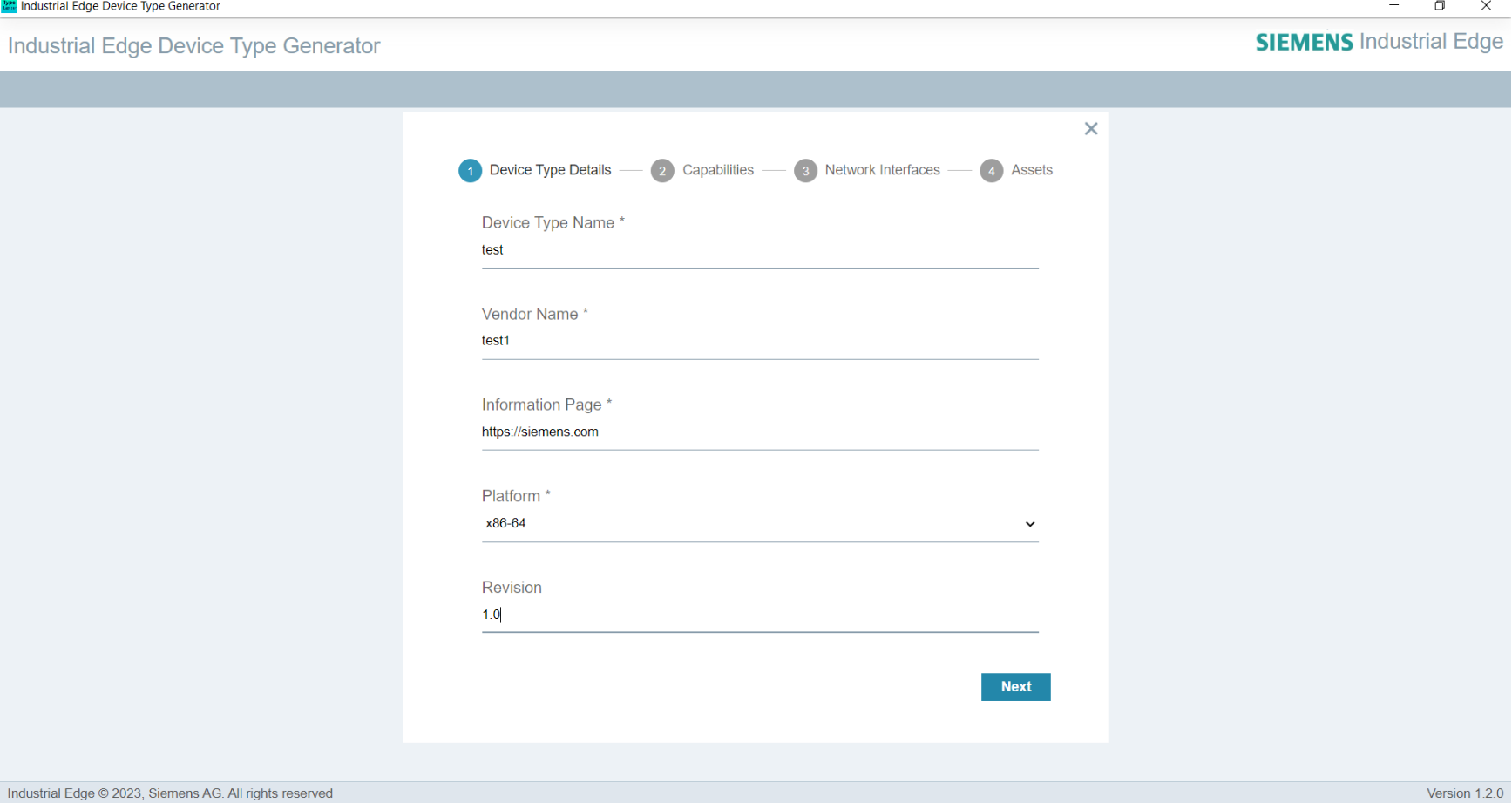
After clicking start button, On this page, there is an asterisk next to the mandatory fields that must be filled. Give the detail about the Device Type.
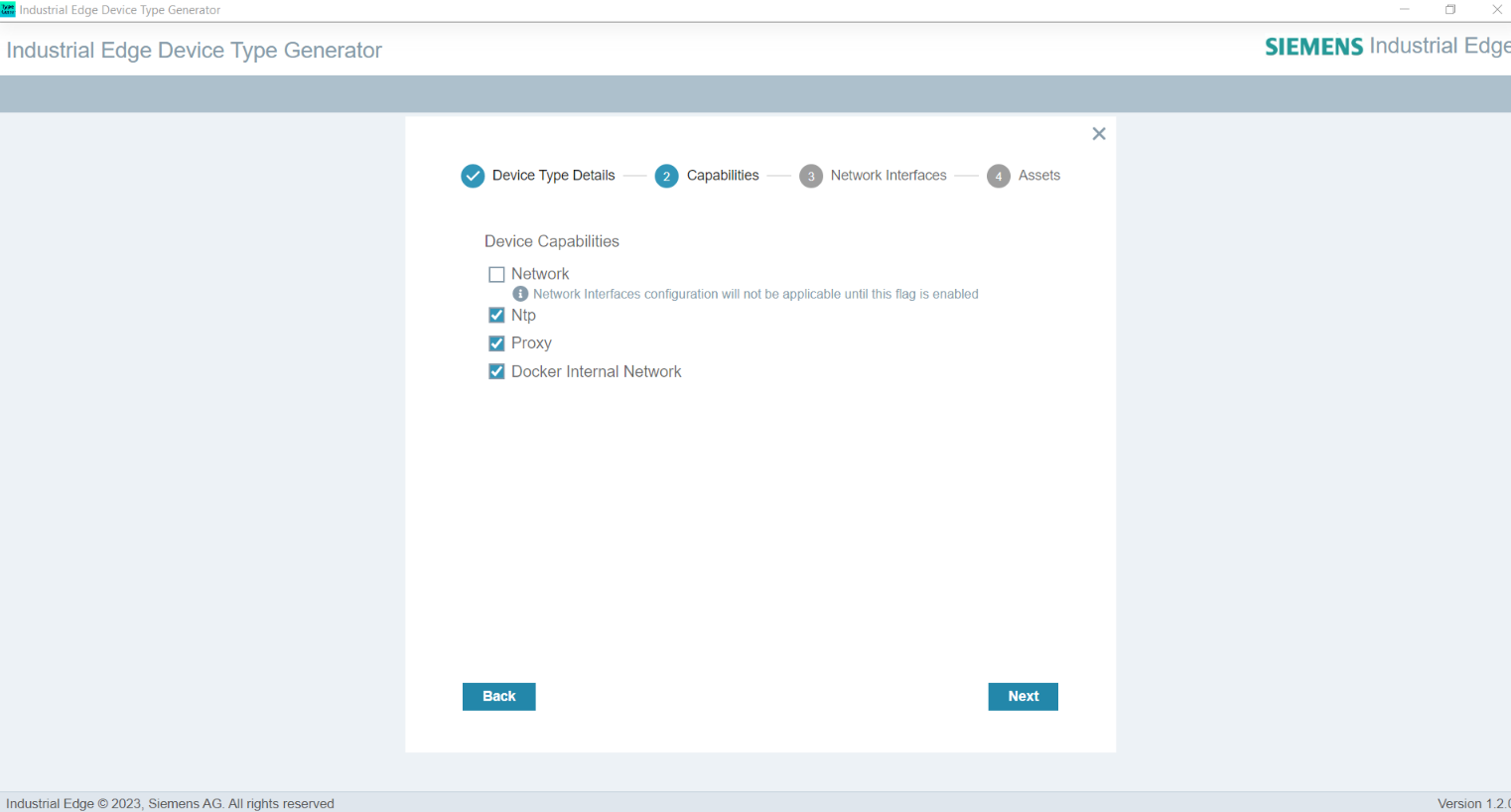
The second page allows the user to define the device capabilities (ntp, proxy, docker internal network, and gsm connectivity). The user can select the desired options according to their requirements.
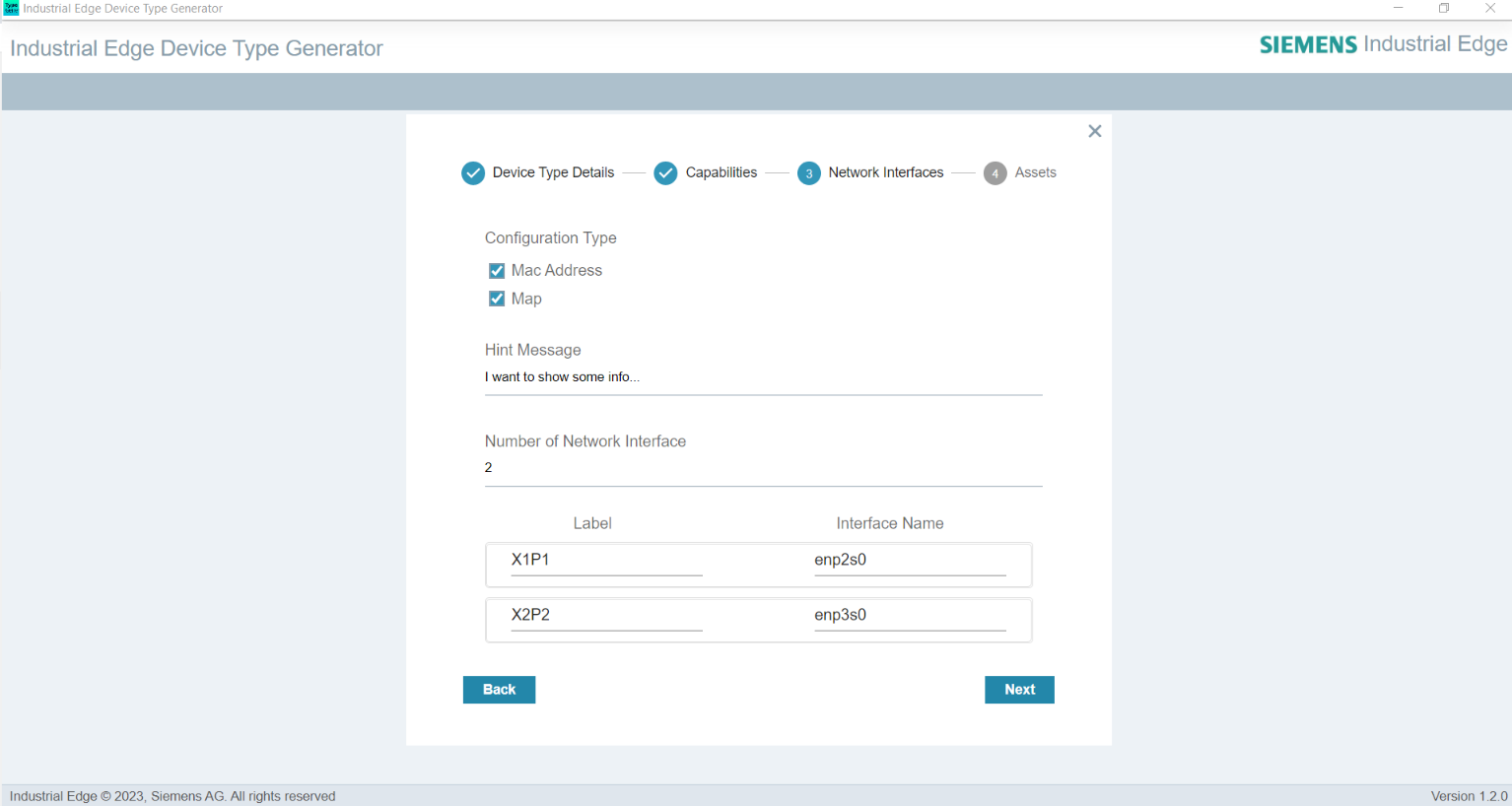
The third page is the page where the network interfaces will be set. Configuration Type is selected on this page. If Mac Address is selected, the number of network interfaces must be entered. Also, if Map is selected, the configurations should be set as in the picture below. If extra information is to be given, the Hint Message section should be filled.
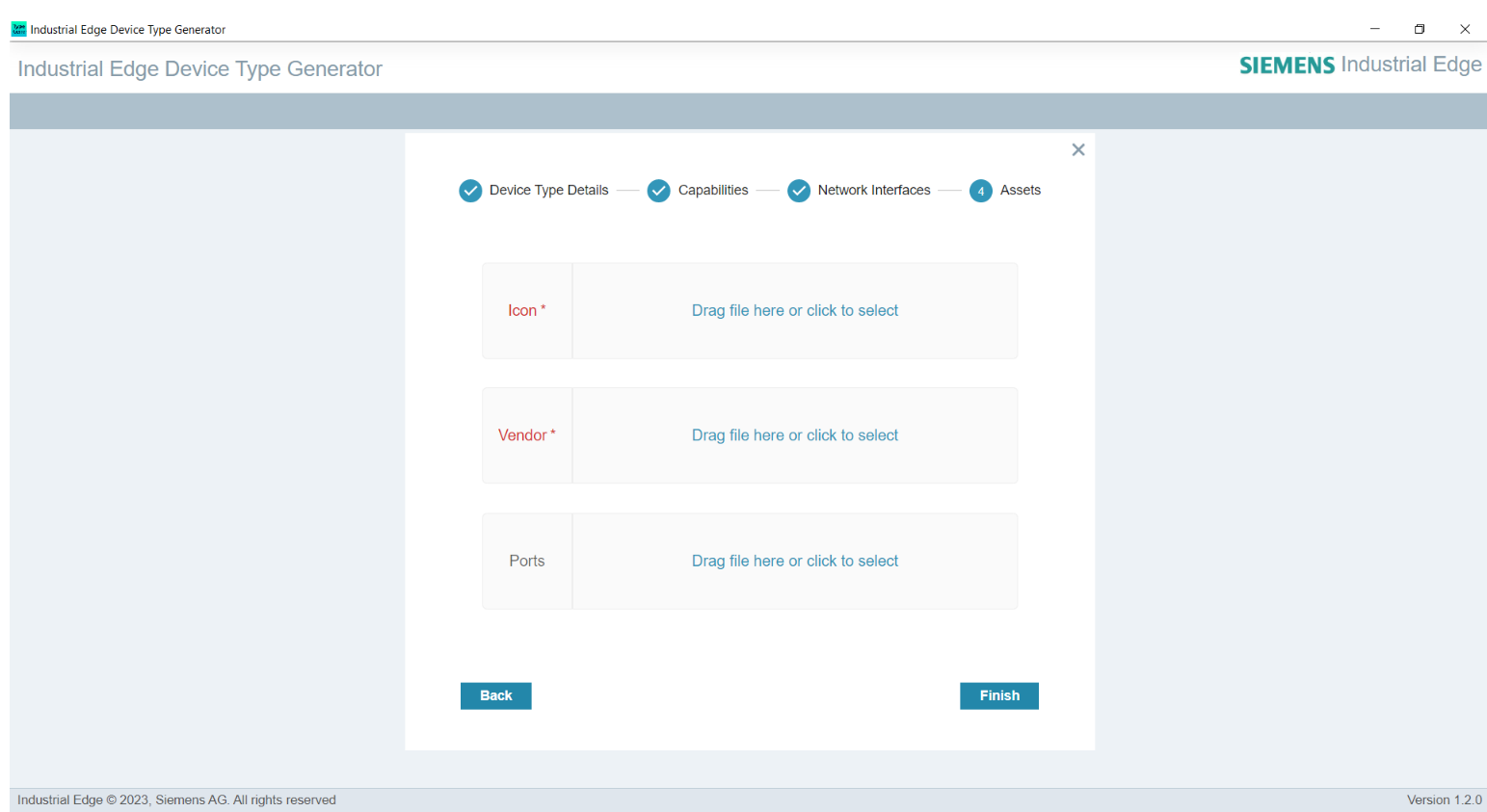
The last page is the page where the image files will be imported as assets. Users can give icon, vendor and ports images related to device types. In this field, icon and vendor are mandatory fields.
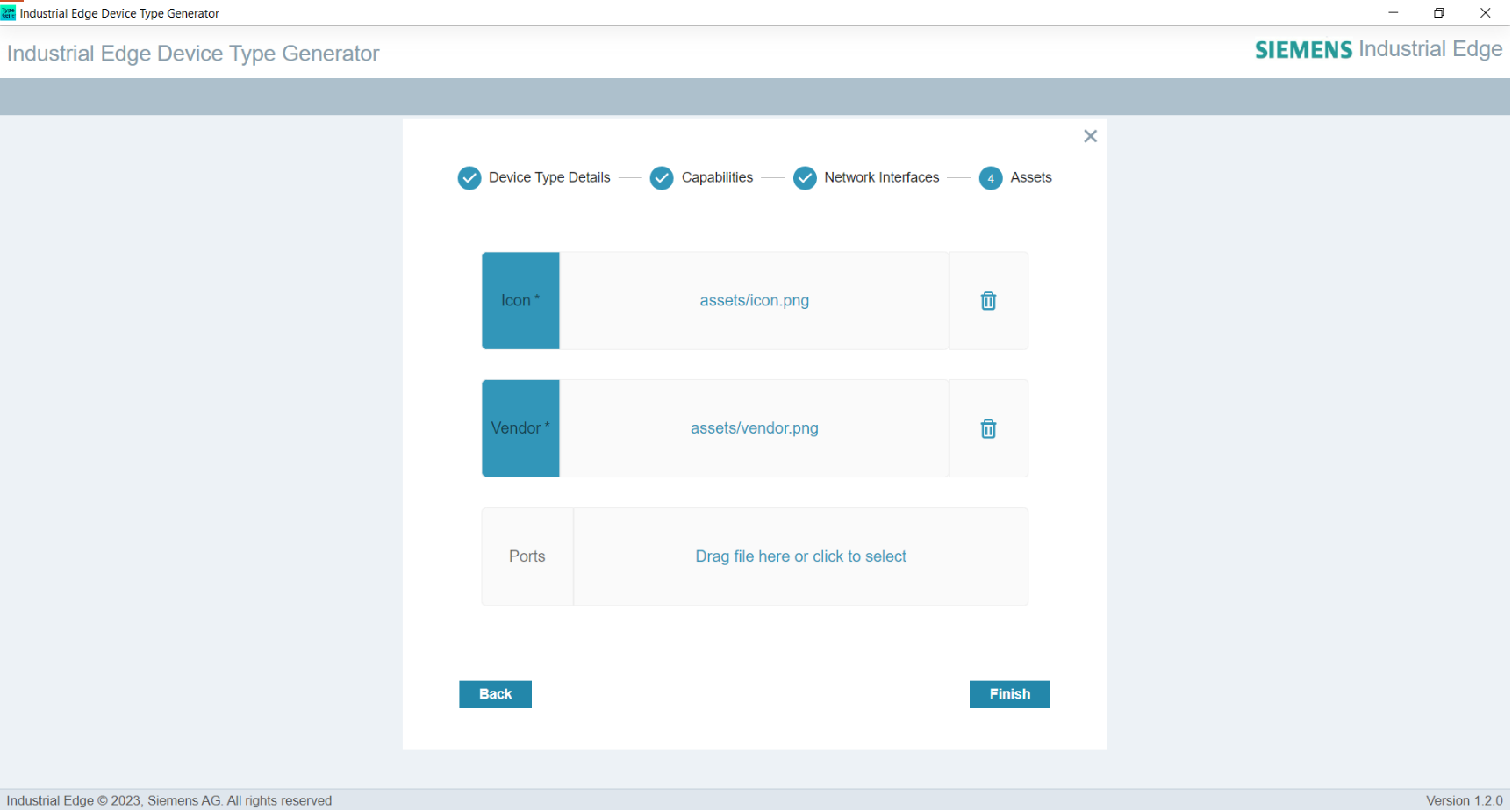
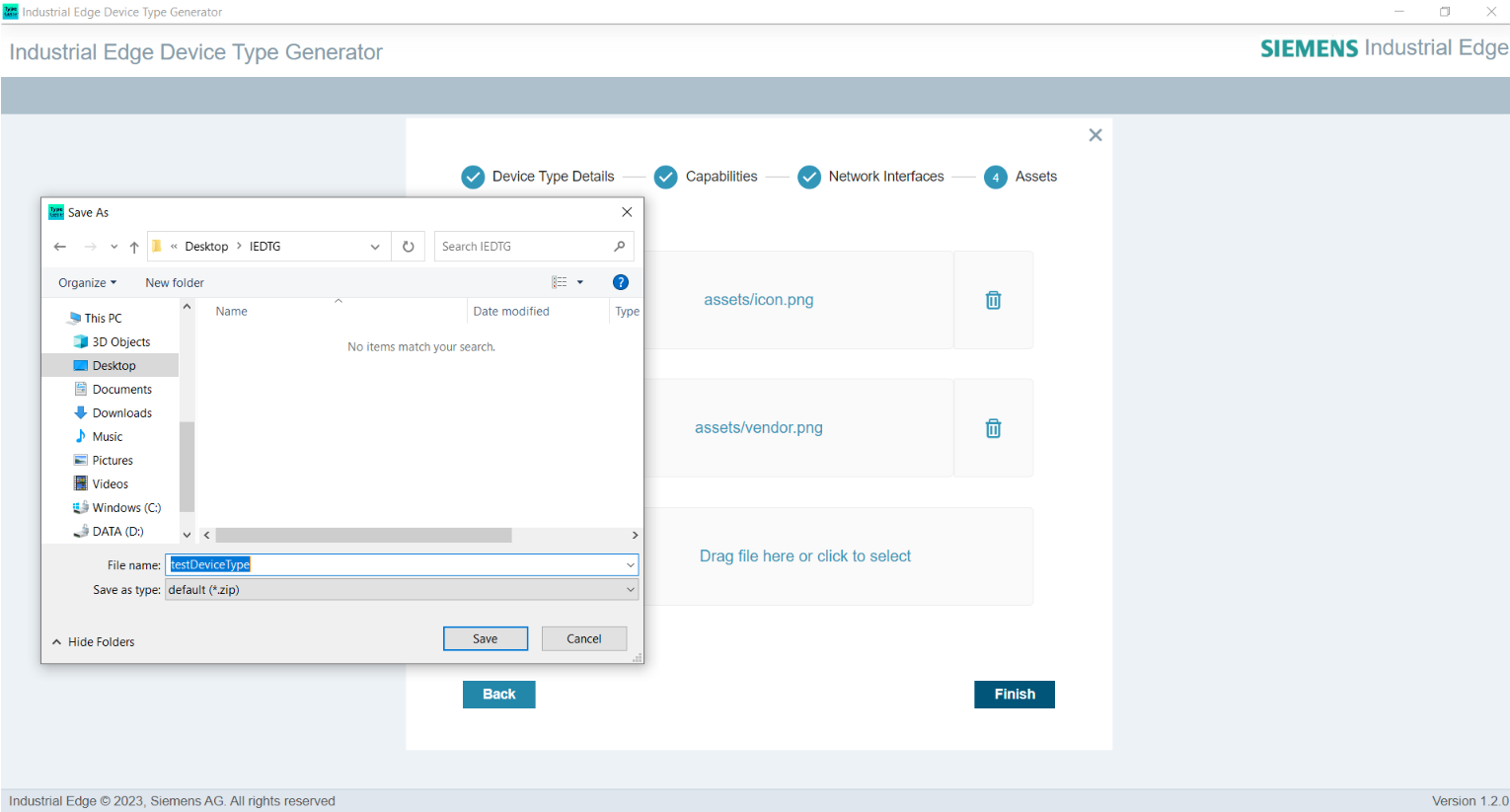
Then, when the Finish button is clicked, the .zip file will be ready and the tool will ask you to save the .zip file in which directory. The .zip file is given a name and saved in the desired directory.
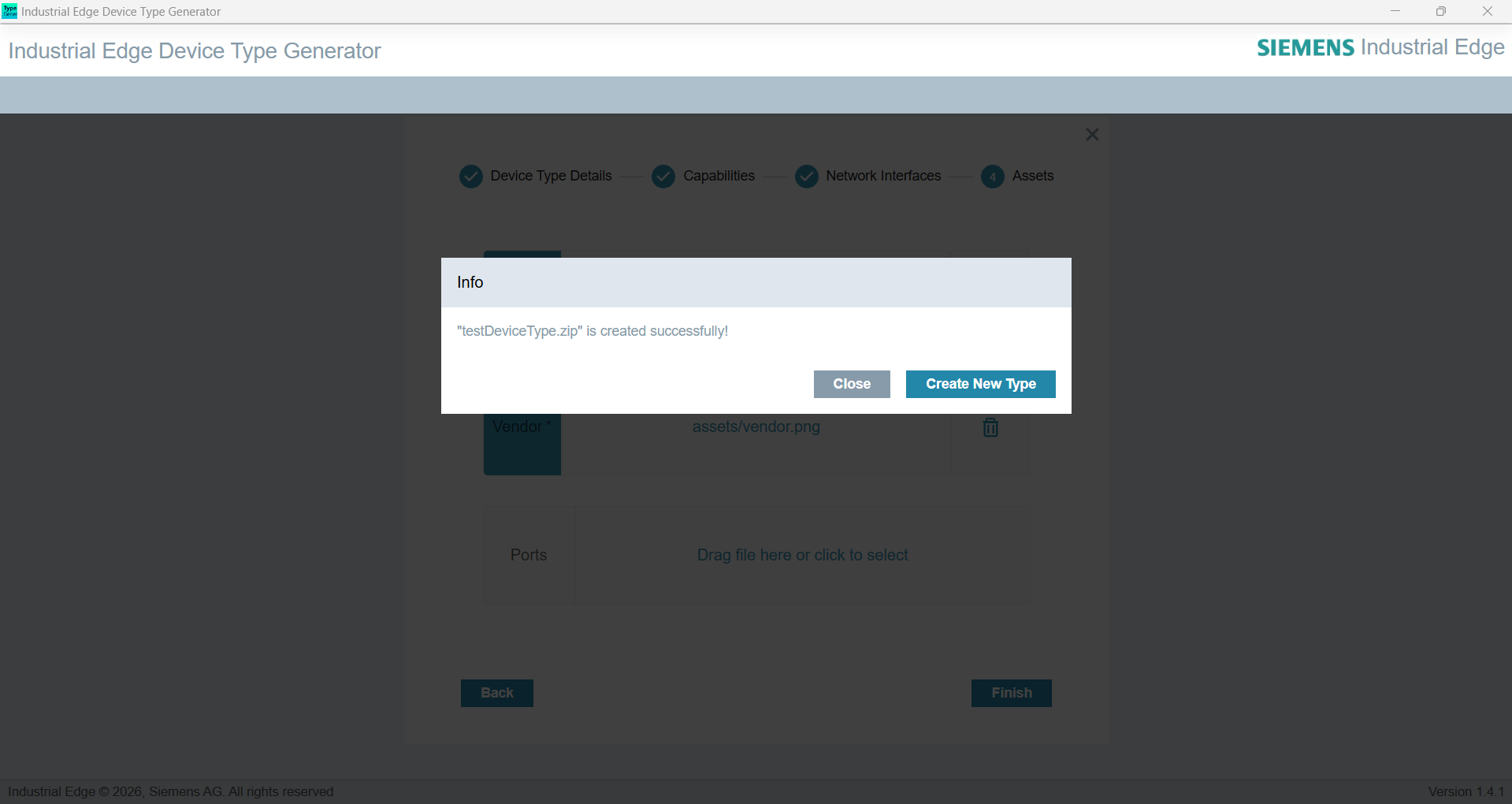
After the file is saved, an information screen will appear as in the picture below. A new device type can be created from this information screen. Or a new .zip file can be created by editing the saved .zip file by clicking the Close button.
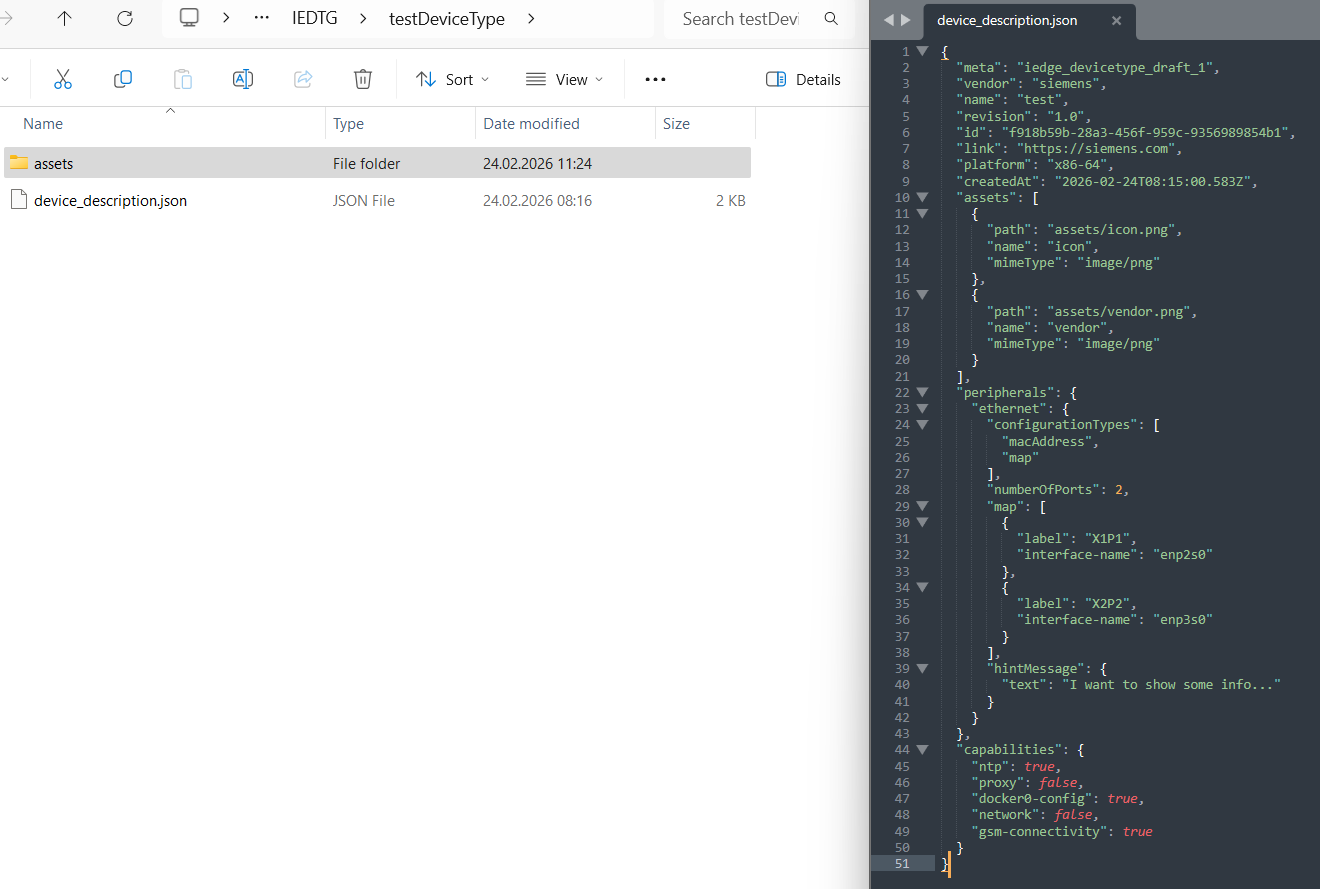
The contents of the .zip file are as follows.

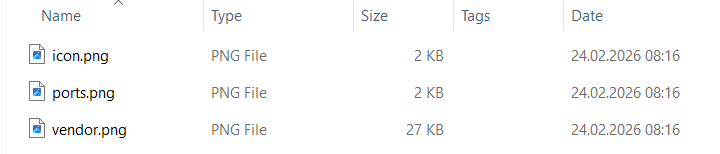
The contents of the assets folder in the .zip file are as follows.
The contents of the device_description.json file in the .zip file are as follows.
How to import Device Type to IEM?
The .zip file obtained from the above steps can be imported into IEM. For detailed instructions, refer to Type Management.