Updating the Industrial Edge Management Services (end-of-life)
After you have updated your IEM OS and the IEM App, you must update the IEM Services.
Updating IEM Services
The following procedure describes the update instructions of the IE State Service. To update other IEM Services, proceed in the same manner.
-
Click the
 icon of the
 IE State Serviceapp in theHomescreen of the Maintenance UI. -
Click the
Check Updatecommand.
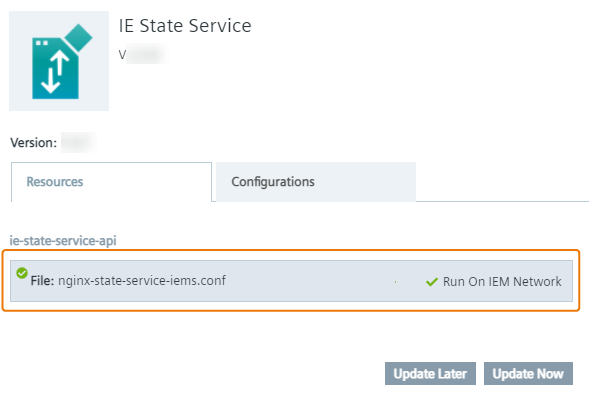
If a new version of the app is available, theUpdate Applicationscreen is displayed. The current app version is displayed below the app name, the app version you update to is displayed below the app icon. -
Ensure that the available resource files, if several available, are activated.
-
Without selecting any configurations in the
Configurationstab, clickUpdate Now.
Installing IEM Services
If you update IEM V1.0 or V1.1, in which the IEM Services have not been installed, to the newest version, you must install the IEM Services manually.
The following procedure describes the installation of the IE Application Configuration Service. To manually install other IEM Services, proceed in the same manner.
-
Open and log into the Maintenance UI.
-
In the navigation menu, click
Catalog. -
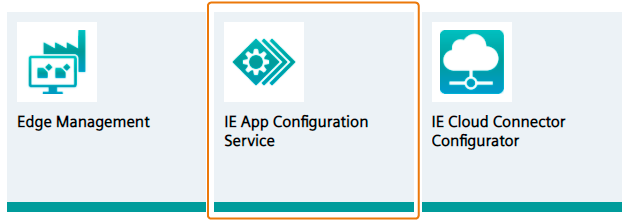
Click the
IE App Configuration Serviceapp.
 The
The Install Appscreen is displayed.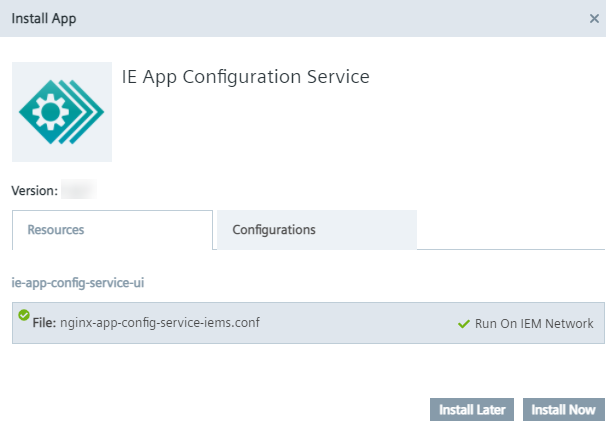 The app version you install is displayed below the app icon.
 -
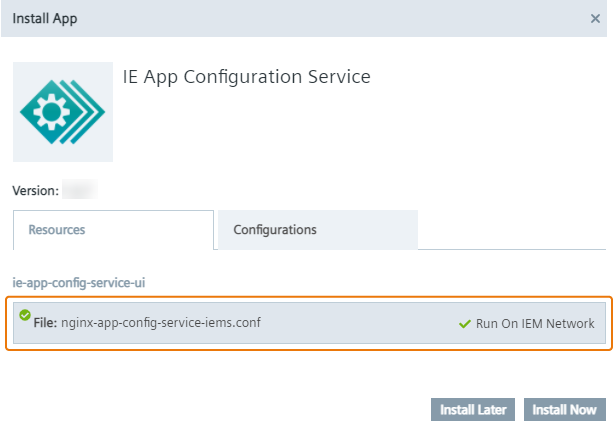
Ensure that the available resource files, if several available, are activated.
-
Without selecting any configurations in the
Configurationstab, clickInstall Now.
An installation job is created. After the job is completed, the IE Application Configuration Service is successfully installed in your IEM OS.